-
11
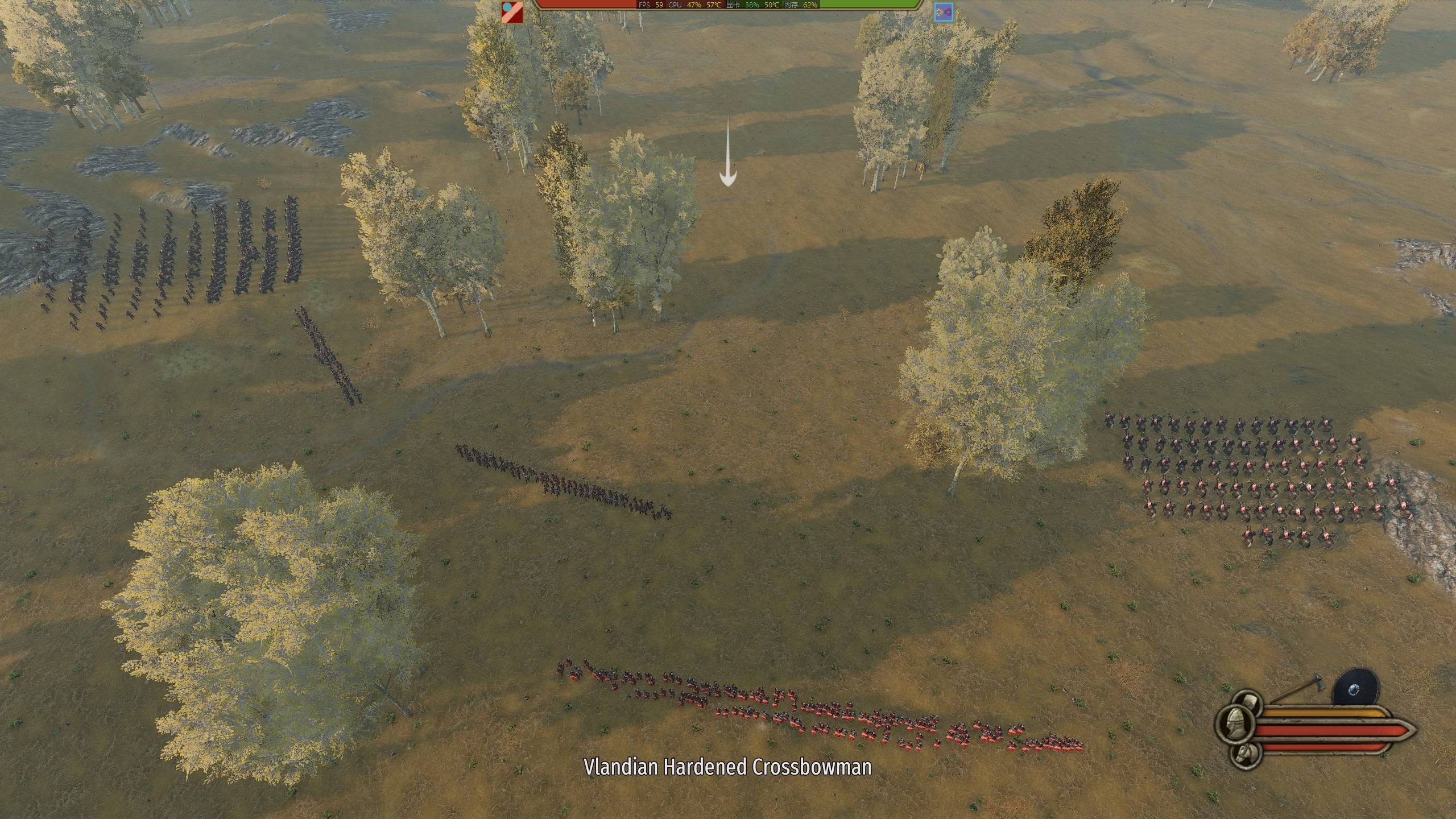
After entering a mission (scene):
Press `O(letter) (by default) to open menu of this mod. You can access the features of this mod in it.
Or you can use the following hotkeys by default:
Press `F10` to switch between rts-style camera and main agent camera.
Press `F` key or `F10` key to control one of your troops after you being killed.
Press `End` to disable death.
Press `[` key to pause game.
Press ' key to toggle slow motion.
Press `]` key to toggle HUD.
Or if you rebind the key and forget what you have set, you can also press `Home` key to toggle UI, which always works.
How to play in rts camera:
In a mission, press `F10` to switch to rts camera.
Your player character will be added to the formation chosen in mod menu.
Use `W`, `A`, `S`, `D`, `Space`, `Z` and mouse middle button to move the camera.
Use `shift` to speed up camera movement.
Move your mouse to rotate the camera, or when order panel is opened, drag right button to rotate the camera.
Left click on the ground and drag to change the position, direction and width of the formation you selected.
Hold `ctrl` when dragging to arrange multiple formations vertically.
Hold `ctrl` and scroll mouse to adjust camera movement speed.
When order panel is closed, you can left click or right click to lock the camera to soldiers. Move the camera to unlock it.
11
qq0qq 发表于 2020-5-11 10:51
没有分盘吗? 打不开外网

| 欢迎光临 骑马与砍杀中文站论坛 (https://bbs.mountblade.com.cn/) | Powered by Discuz! X3.4 |